Visual Studio Code Extension
https://github.com/qavajs/vscode/releases
https://marketplace.visualstudio.com/items?itemName=qavajs.qavajs
Features
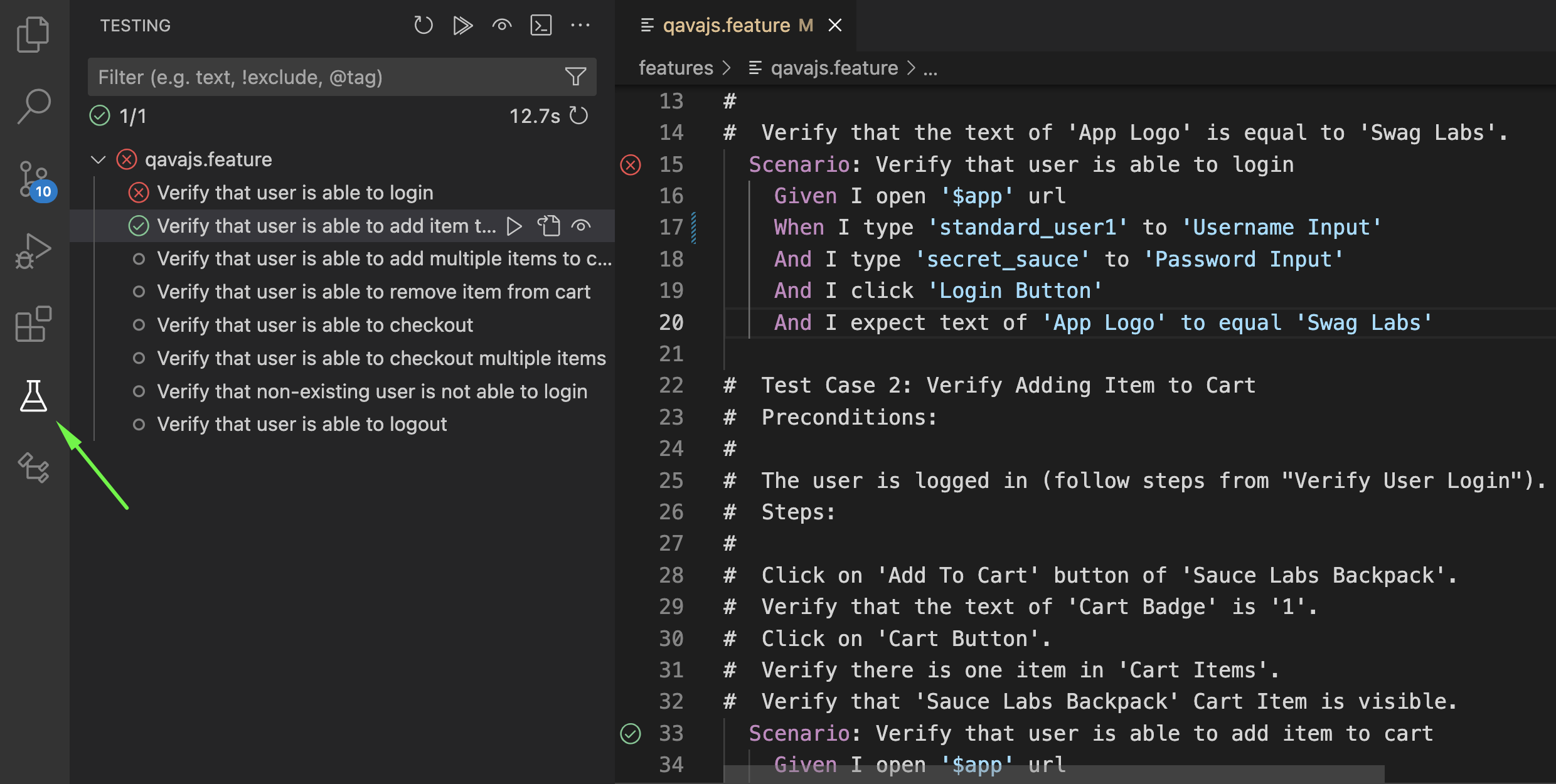
- VSCode Test Explorer
- Steps autocomplete
Extension Settings
This extension contributes the following settings:
cucumber.features: gherkin files paths (array)cucumber.glue: step definition file paths (array)qavajs.launchProfiles: named launch profiles for the Test Explorer dropdown (array of{ name, command })- [Deprecated]
qavajs.launchCommand: qavajs launch command (default:npx qavajs run) (string)
{
    "files.associations": {
        "*.feature": "cucumber"
    },
    "cucumber.features": [
        "features/**/*.feature"
    ],
    "cucumber.glue": [
        "node_modules/@qavajs/**/src/*.ts",
        "step_definition/*.ts"
    ],
    "qavajs.launchProfiles": [
        { "name": "Dev", "command": "npx qavajs run --config dev.config.ts" },
        { "name": "CI", "command": "npx qavajs run --config ci.config.ts" }
    ],
    "qavajs.launchCommand": "npx qavajs run --config config.ts",
}
When qavajs.launchProfiles is set, each profile appears as a separate entry in the Test Explorer run dropdown. The first profile is used by default. When the array is empty, qavajs.launchCommand is used.
How To Use
Test Explorer